Second Life:
The Avalon Planetarium is located in the virtual world of Second Life.
Second life is a vast virtual world, a computer 3D graphics environment walked through (or flown through) with a graphic character you control called an avatar. At the time of this writing, an average of 65,000 people controlling avatars are logged into Second life at most times throughout the day. Each avatar you meet, is someone sitting at their computer somewhere in the world.
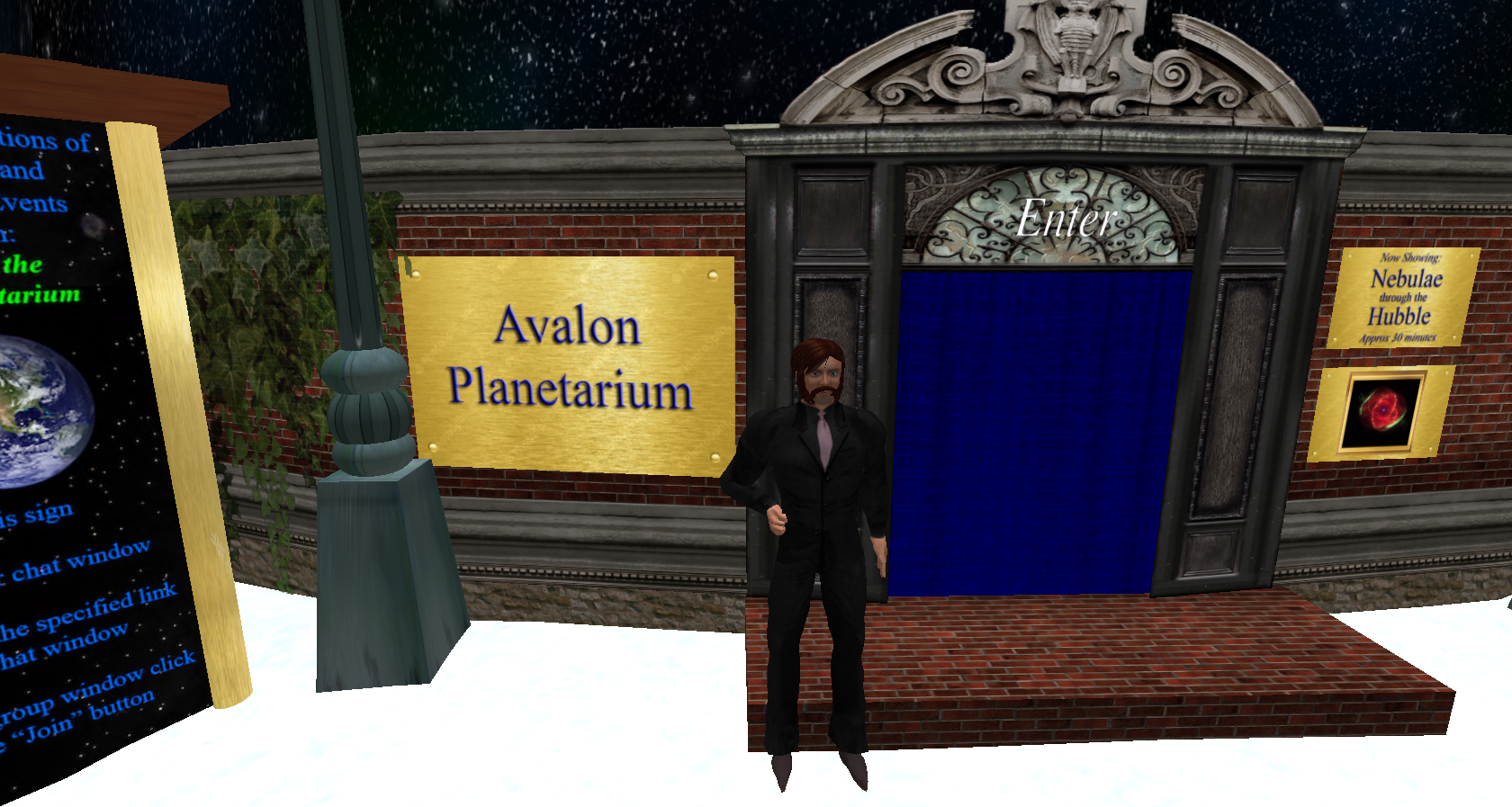 Avatar of Jackson Drechsler
Click image to enlarge
Avatar of Jackson Drechsler
Click image to enlarge
Second life is international, people from all over the world log in, usually during their own daytime or evening hours. However, Many people can be found logged in during the early morning or late at night to catch events being held during those hours.
 |
 |
 |
|---|---|---|
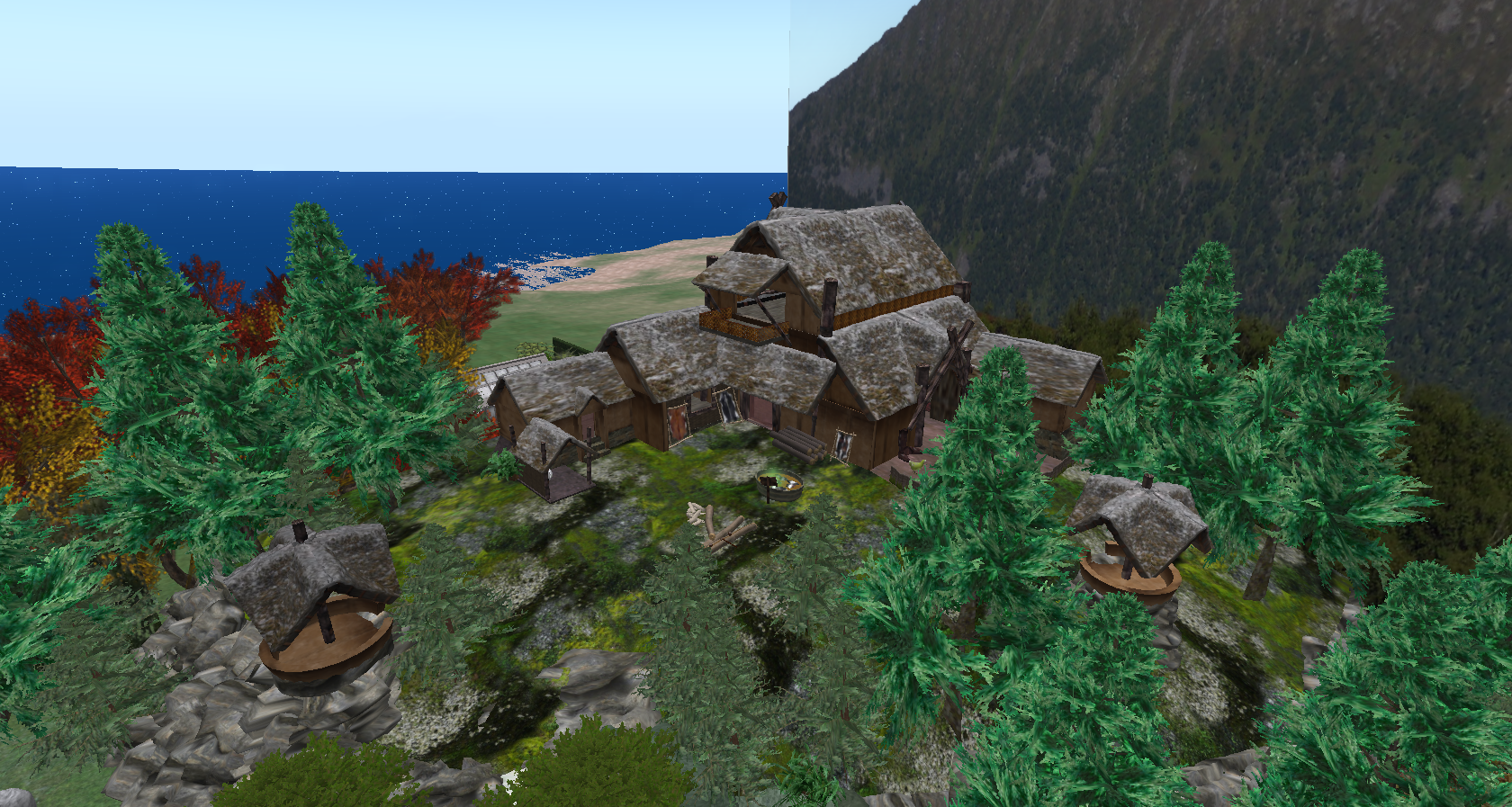
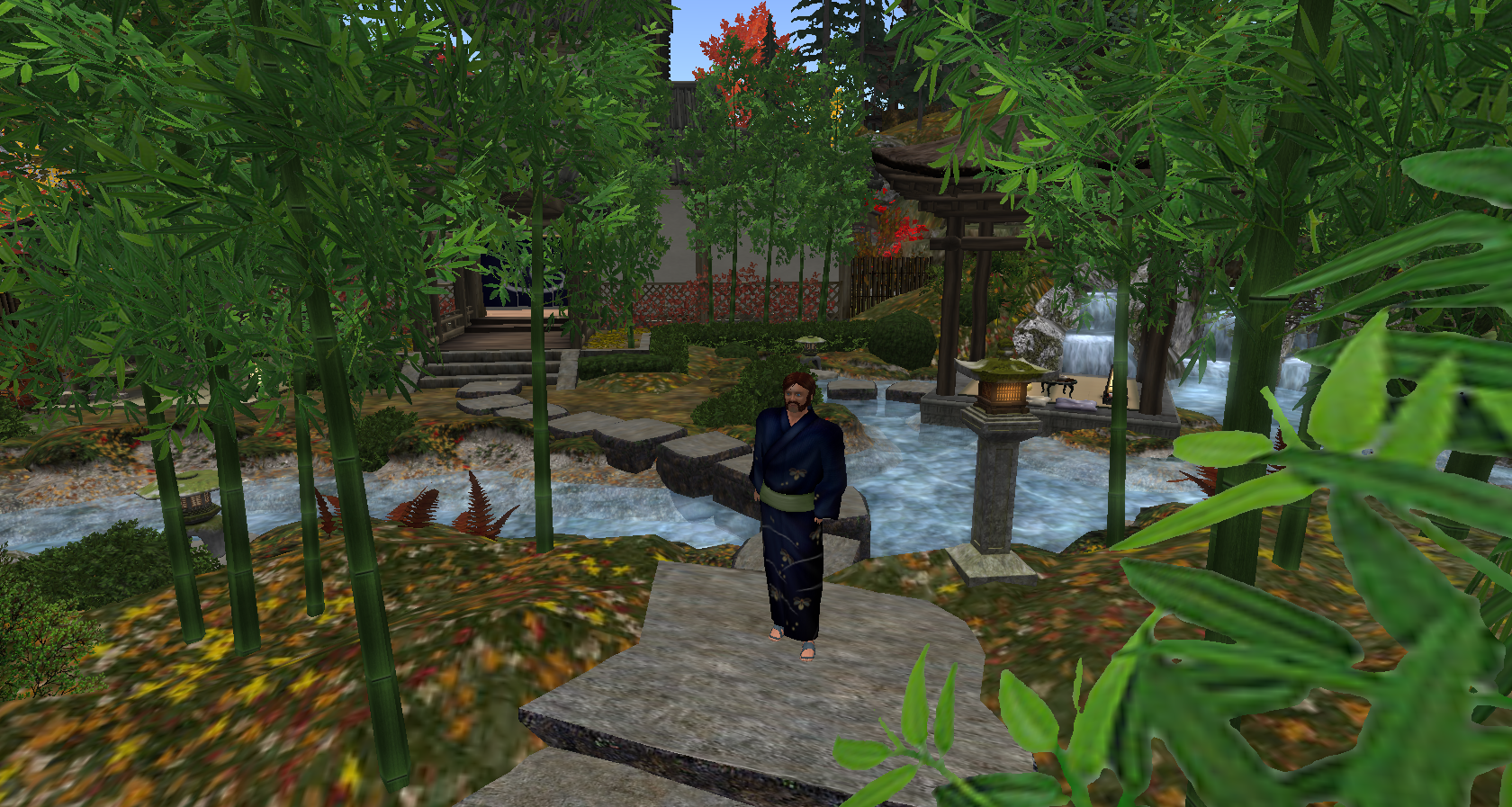
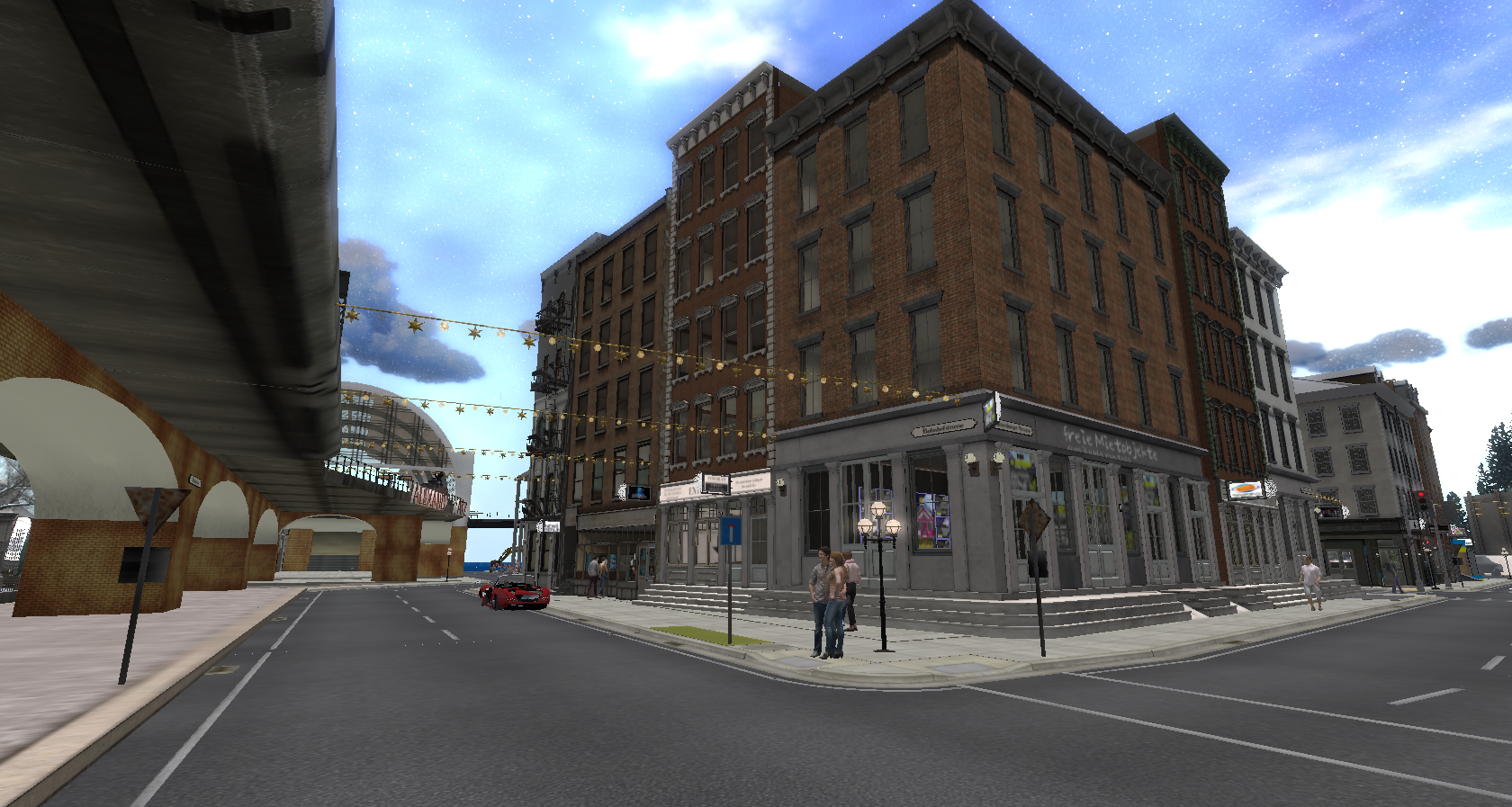
| Folkvang Viking Village | Japanese Village of Ahiru | New Berlin |
| Click image to enlarge | Click image to enlarge | Click image to enlarge |
Second life is huge, divided into thousands of regions or "sims" as they are called. Just about anything in real life can be expressed with the 3D building tools of Second Life. From realistic planetariums, amusement parks (complete with rideable roller-coasters) to museums and educational facilities.
Morrison Natural History Museum: |
 |
|---|---|
| Lifelike T-Rex | T-Rex Skeleton |
| Click image to enlarge | Click image to enlarge |
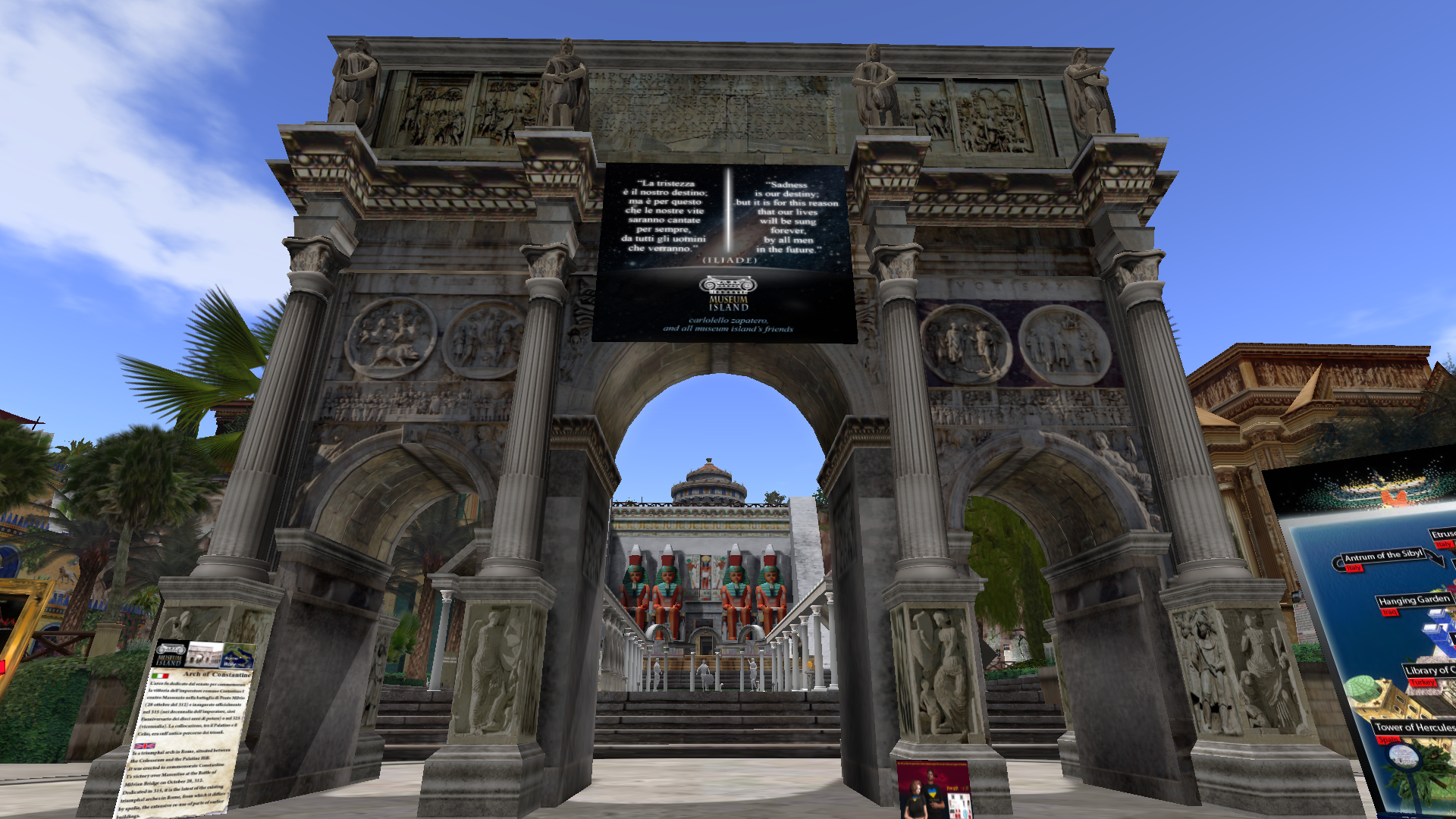 |
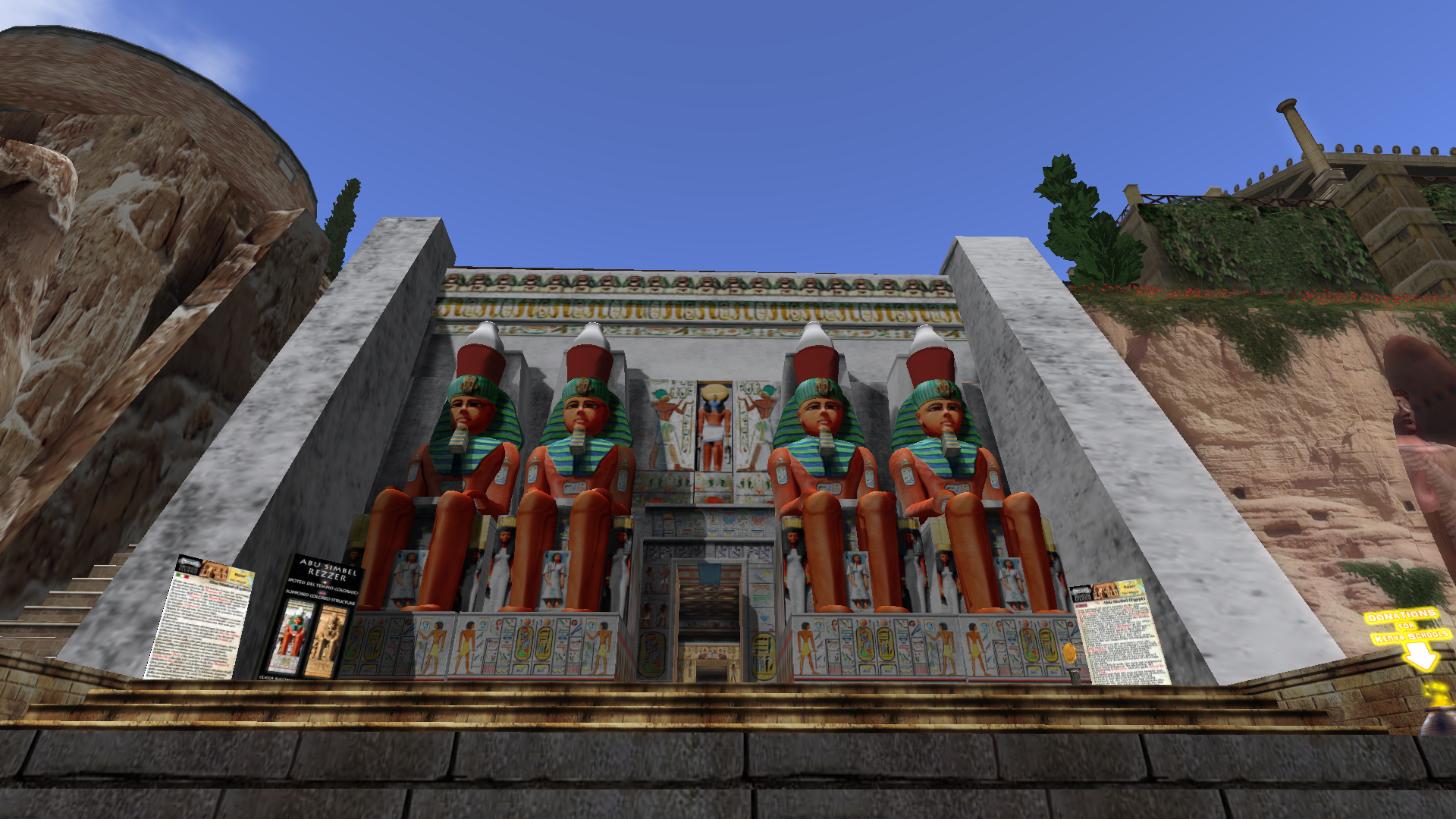 |
|---|---|
| Arch of Constantine | Abu Simbel |
| Click image to enlarge | Click image to enlarge |
 |
 |
|---|---|
| Amusement Park | Aquarium |
| Click image to enlarge | Click image to enlarge |
Second Life even has a continent full of railroad tracks to ride your own train through!
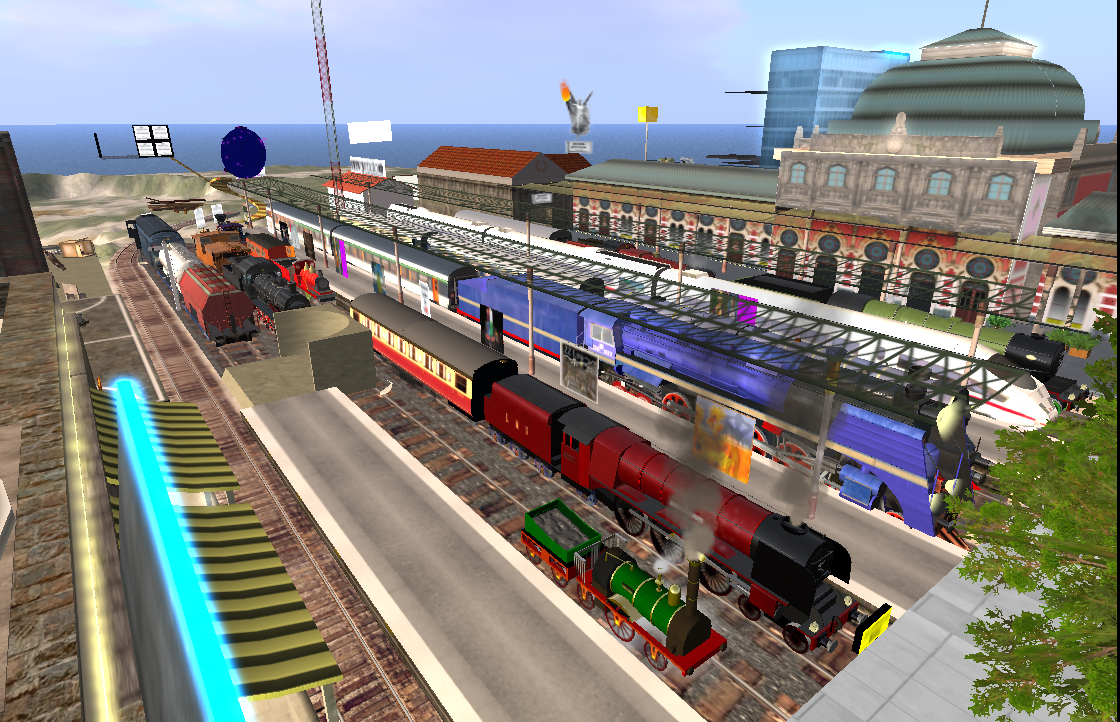 Rez a train and ride the Second Life Railway
Click image to enlarge
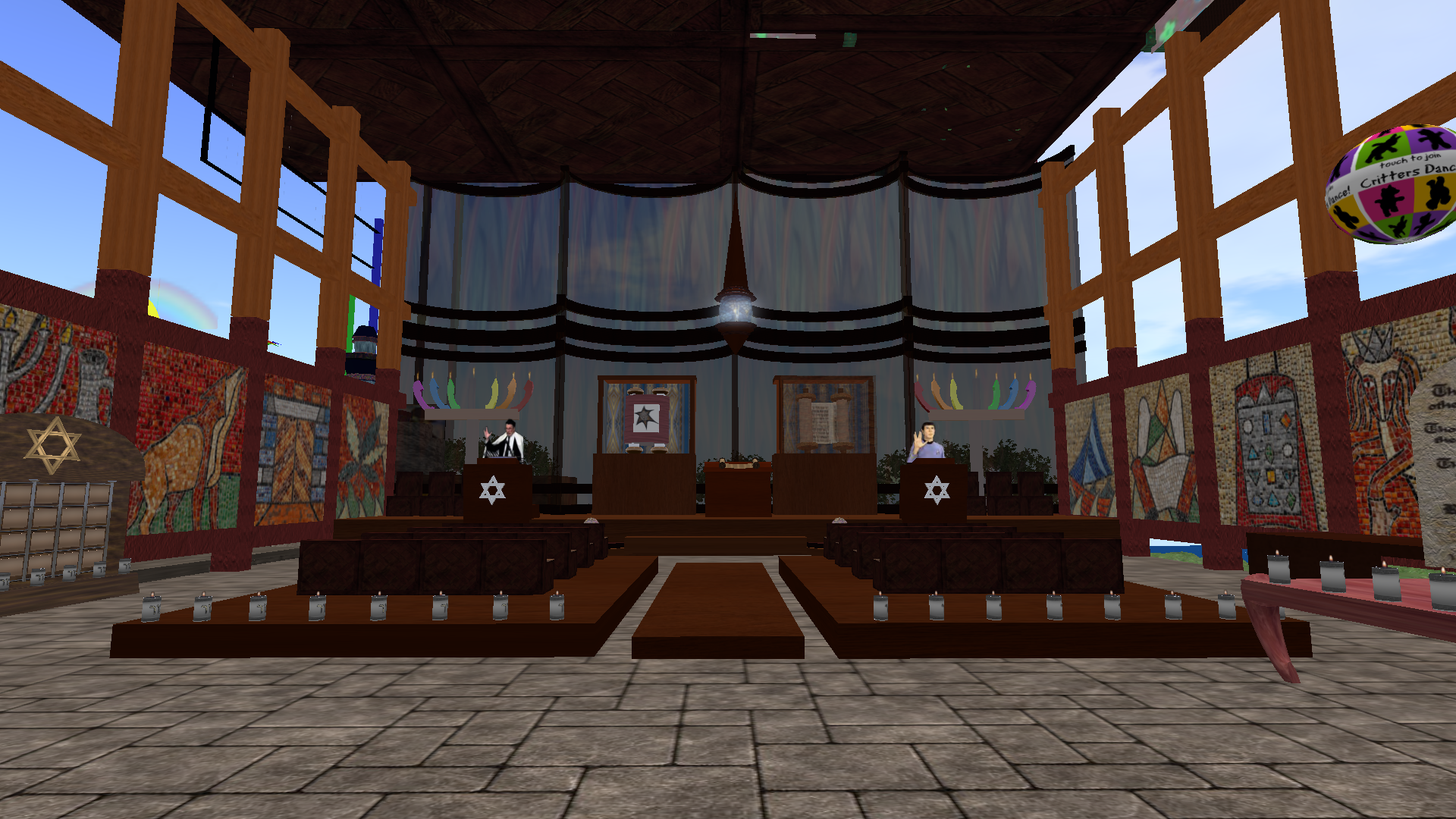
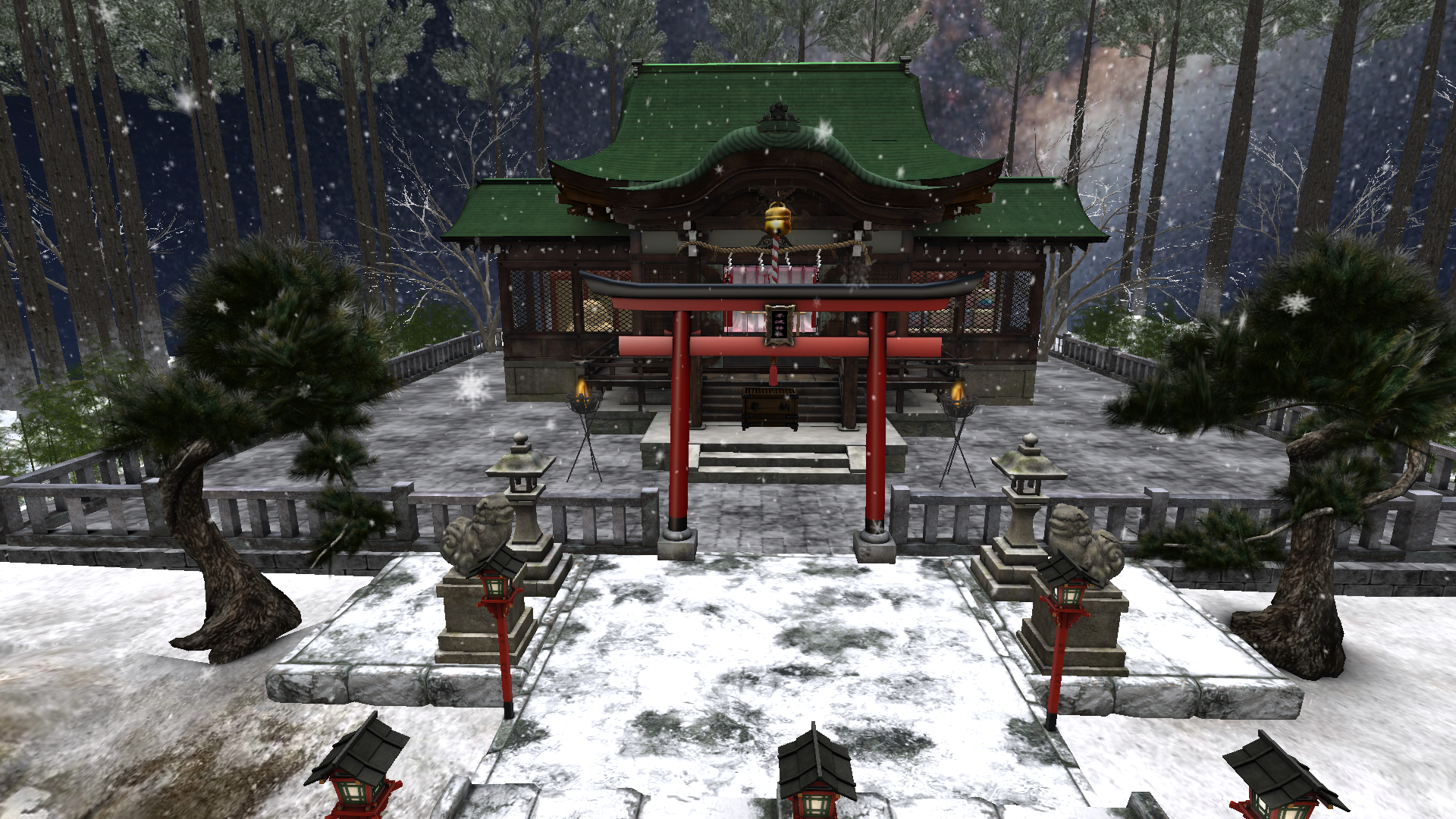
Many religions are also represented in Second Life, complete with 3D virtual
churches holding services.
Rez a train and ride the Second Life Railway
Click image to enlarge
Many religions are also represented in Second Life, complete with 3D virtual
churches holding services.
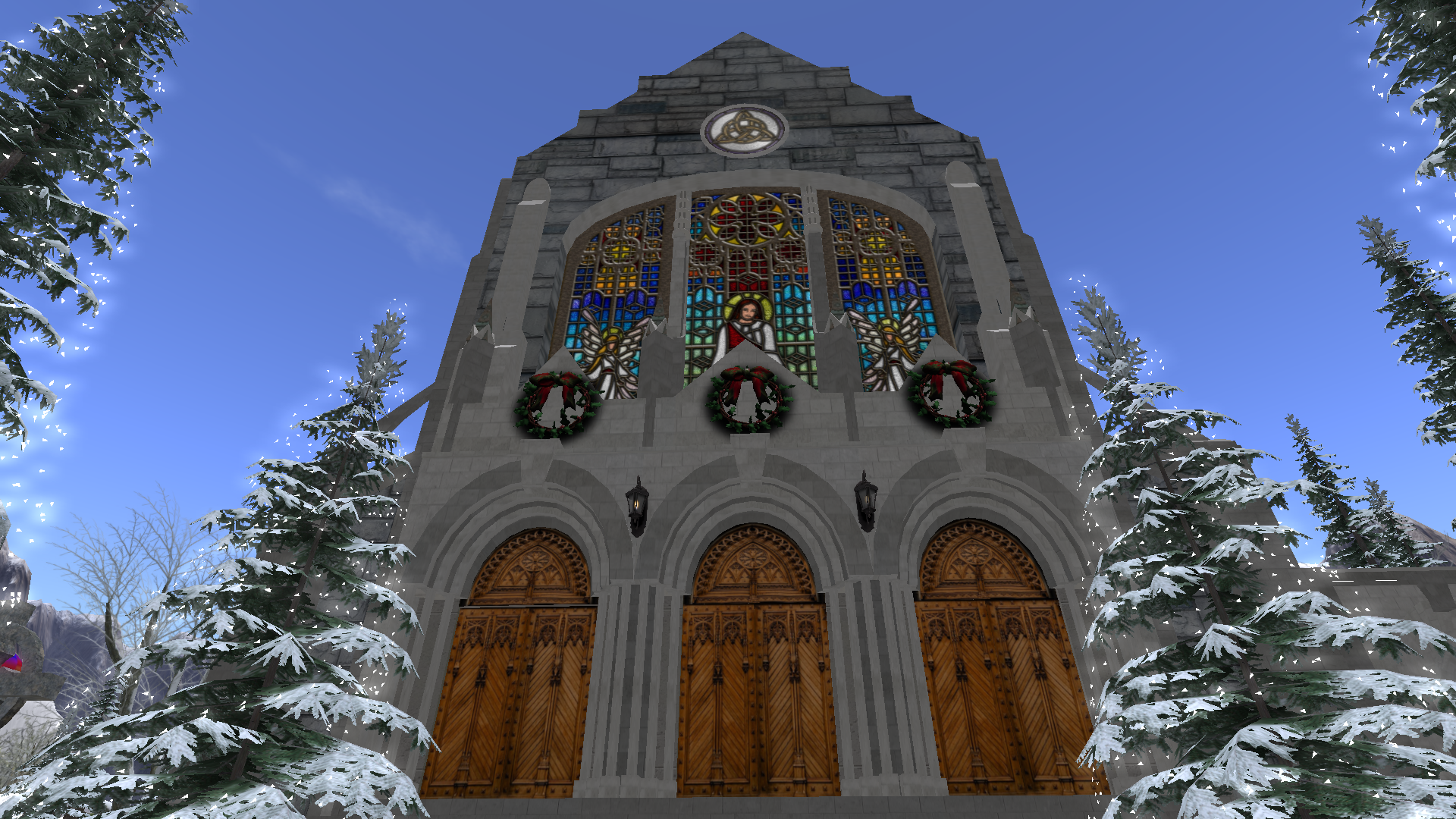 |
 |
 |
|---|---|---|
| Dornoch Cathedral | Temple Beth-Israel | Fumetsu Jinja Shinto Temple |
| Click image to enlarge | Click image to enlarge | Click image to enlarge |
Search for castles, dance halls, educational content and more. Any category is easy to find with Second Life's built-in search engine.
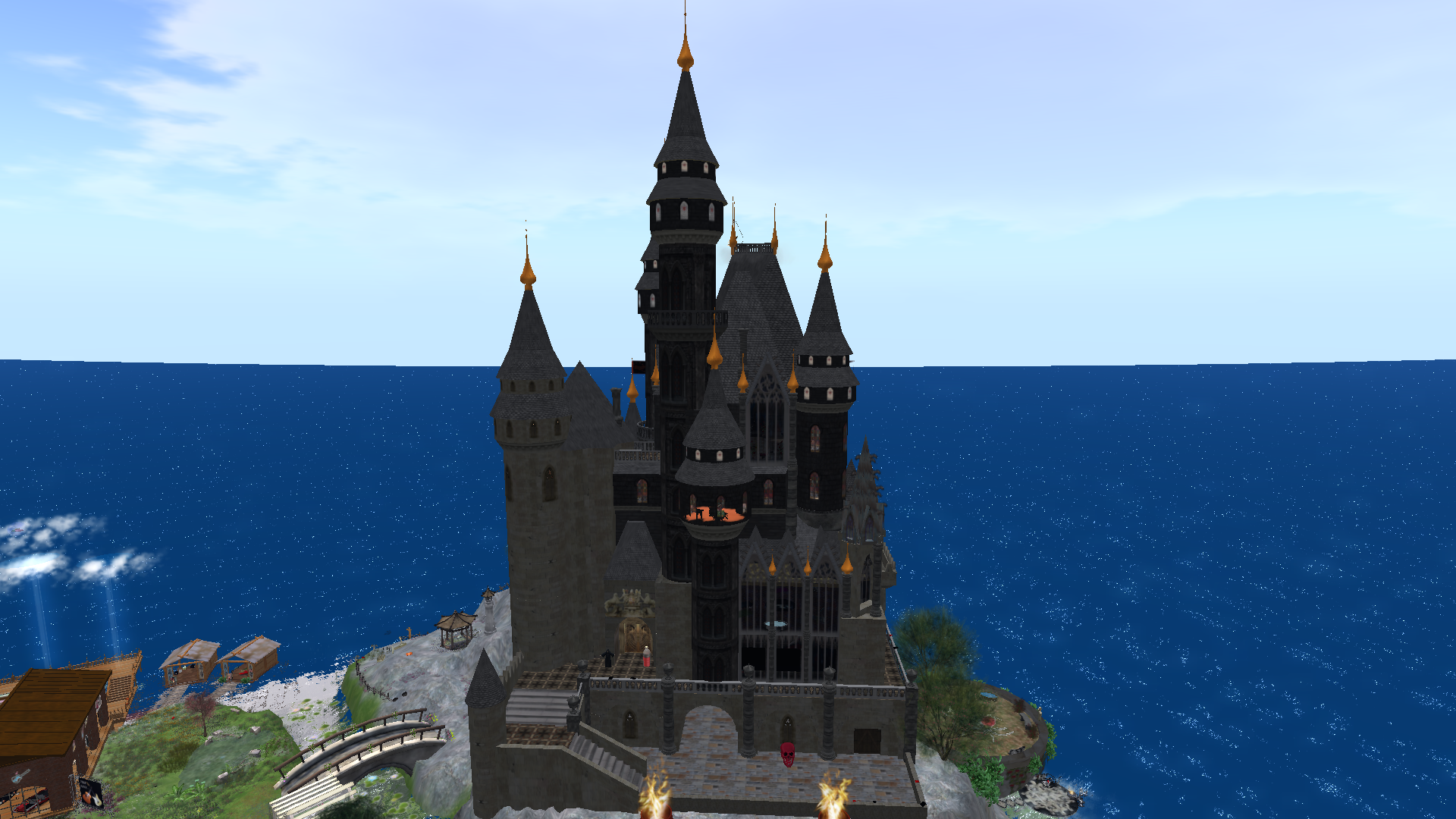 Explore realistic castles
Click image to enlarge
Explore realistic castles
Click image to enlarge
Second life has many airports, even a moving map with which you can set waypoints for naviagation.
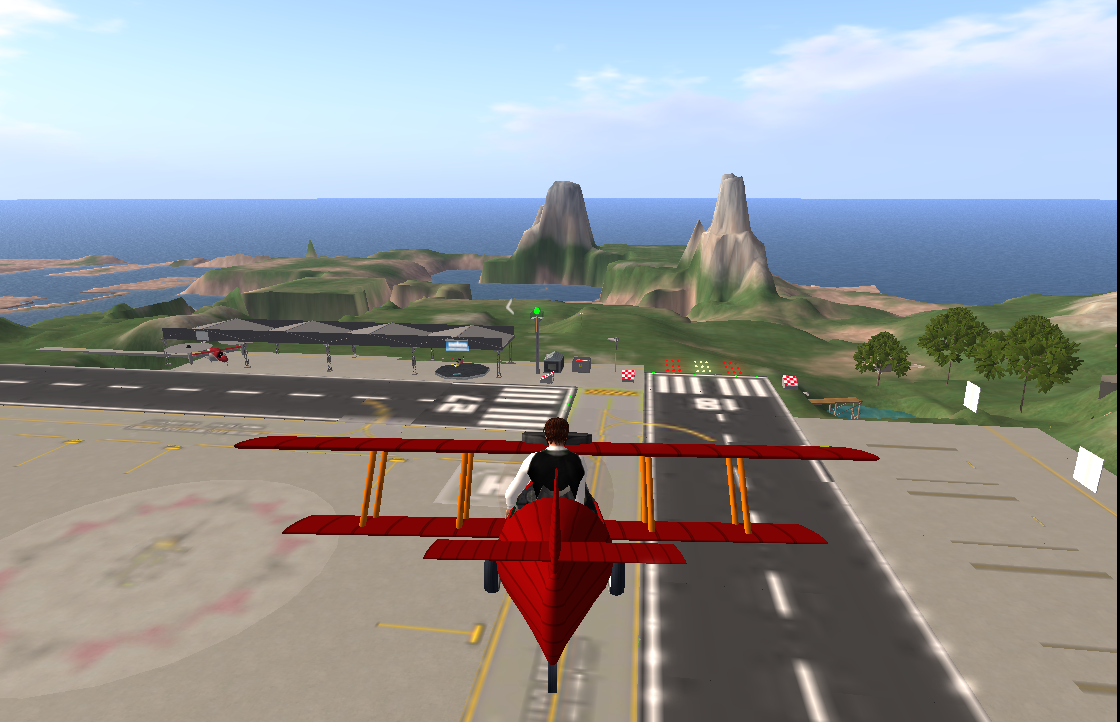 Fly your own Airplane through the virtual worlds
Click image to enlarge
Fly your own Airplane through the virtual worlds
Click image to enlarge
Join second life by simply filling out a form. Be prepared to give the e-mail address you will use in communicating with Second Life. You will make up an account name that represents you to the second life system. You can use any name you desire. Use a name you can be proud of, this account name is not changeable. Also, use Capital Letters to distinguish between parts of your name. For example: Use "FirstLast" not"firstlast" This name will be displayed above your avatar while you are in-world. You will then choose from a menu of avatar options, if you don't like the avatar, fear not. You can change your avatar to just about anything (and dress it in anything) once you are established in-world.
Next you will download and install Second Life's viewer, it works as your 3D browser for the virtual world
On logging in for the first time, you will be placed in "Welcome Island". Here you will learn how to operate your Second Life avatar and the viewer. Spend as much time as you need in welcome island to learn how to communicate (chat), walk, fly, drive vehicles, and interact with objects. This usually takes an hour or so. You cannot go back to welcome island once you leave, this is to eliminate any possibility of other people interfering while you are learning the Second Life system. If you miss anything in Welcome Island, that's ok. There are help locations and tutorials elsewhere in Second Life
Once you leave Welcome Island, your avatar will be placed at your default home location.
All of Second Life's vast world is now open to you.
For an exciting array of destinations in Second Life, Visit the link from this (avalonsl) web site's Home Page.
When you have completed Welcome Island, see this (avalonsl) web site's home page for instructions on teleporting to the planetarium.
